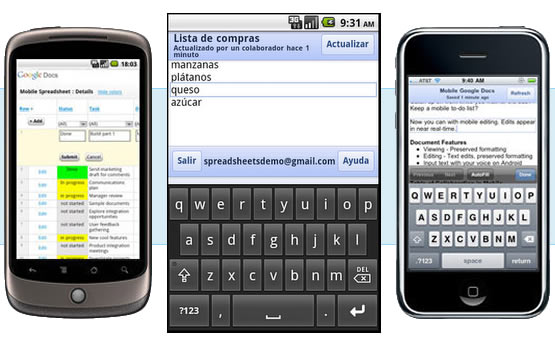
El Goog has announced that you can now edit Google Docs from your smartphone/tablet in 44 languages in addition to English. Mobile editing is available for Android Froyo Devices and above (i.e. 2.2+) and iPhone and iPad devices with iOS 3.0 and above. Actually, as Google points out, editing could also work on earlier Android platforms such as Éclair but it’s not guaranteed; well ‘pruébalo’ and see.
To start editing enter docs.google.com in the address bar of your mobile browser and hit go; then select an existing document and press ‘Edit’ or hit the new button (marked as pen and paper) to start writing a new document.
Languages supported for editing: Arabic, Bulgarian, Catalan, Chinese (Simplified), Chinese (Traditional), Croatian, Czech, Danish, Dutch, English, English (UK), Filipino, Finnish, French, German, Greek, Gujarati, Hebrew, Hindi, Hungarian, Indonesian, Italian, Japanese, Kannada, Korean, Latvian, Lithuanian, Malayalam, Marathi, Norwegian, Polish, Portuguese (Portugal), Portuguese (Brazil), Romanian, Russian, Serbian, Slovak, Slovenian, Spanish, Swedish, Tamil, Telugu, Thai, Turkish, Ukrainian, Vietnamese.
[Google Mobile Blog, Google Mobile]